Guard Tour Reader Maintenance: Cleaning, Care and Fault-Finding
A guard tour reader fails for boring reasons: a dirty contact tip, a tag mounted on steel, a worn downloader pin, a flat cell nobody noticed. This guide gives a weekly routine, cleaning rules that do not break the IP67 seal, a symptom-cause-action table and the point at which you should stop fixing and send the unit in.
Most guard tour readers do not die of old age. They fail for dull reasons: a contact tip filmed with grease, a checkpoint tag mounted flat on steel, a downloader pin bent by a cable yanked sideways, a cell that went flat between two audits. All four are preventable, and none of them show up until somebody asks for the records. This guide is the maintenance routine we recommend for JWM readers, written so that a supervisor can follow it without a technician.
Why maintenance decides whether the records are believable
A guard tour system is only as good as the weakest read. If a reader misses one point a week because its tip is dirty, the report will show a missed checkpoint that never happened, and the guard will be blamed for it. Two things follow: the guard stops trusting the system, and the client stops trusting the report. Maintenance is not housekeeping - it is what keeps the evidence clean.
The five-minute weekly routine
- Wipe the body with a damp cloth and dry it before it goes back in the pocket.
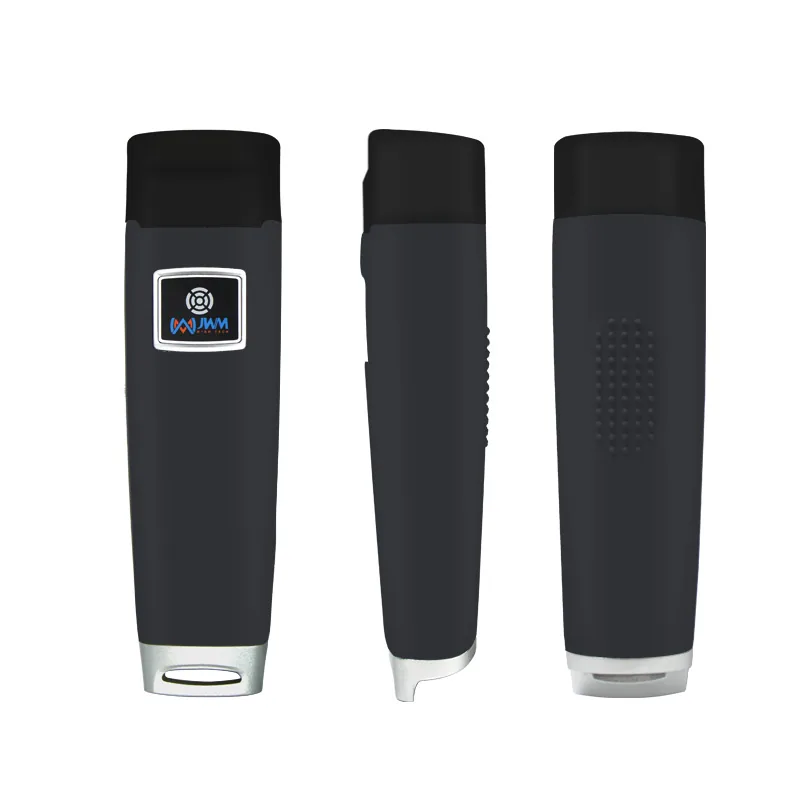
- Clean the read face: the metal tip on a contact reader, the sensing face on an RFID reader.
- Look along the housing for cracks, and press the sealed joints gently - a soft spot means a broken seal.
- Check the downloader: pins straight, cable not frayed, all indicator lights behaving the same as last week.
- Do one test read on a known checkpoint and confirm it appears in the software.
Cleaning without breaking the seal
- Damp cloth with mild soap. That is enough for dust, grease and fingerprints.
- No solvents, no thinners, no abrasive cream: they attack the rubber jacket and the printing.
- No high-pressure jet and no dishwasher, even though the body is IP67 - pressure wins against any seal.
- No sharp tool in the gap between the two halves of the housing.
- Dry fully before docking. Water in the downloader cradle is a bigger risk than water on the reader.
Contact readers: the tip is the wear part
On a contact iButton reader the stainless tip is the only part that touches anything, so it takes all the wear. Keep it dry and clean, and never file, sand or scrape it: the tip is a plated contact, and once the plating is gone the reads become intermittent in exactly the way that looks like a software fault. Never use the reader as a screwdriver or a pry bar - that is how the tip gets bent, and a bent tip still looks fine until it misses a checkpoint at 3 a.m.
RFID readers: what shortens a read
- The tag, not the reader: at this frequency only EM-type checkpoint buttons read reliably.
- Mounting on steel: a tag flat against thick steel loses range. Use the anti-magnet checkpoint or a spacer.
- A dirty or scratched sensing face reduces the coupling, especially in dusty plant rooms.
- A nearly flat cell: range falls before the reader stops working altogether.
The downloader and the cable
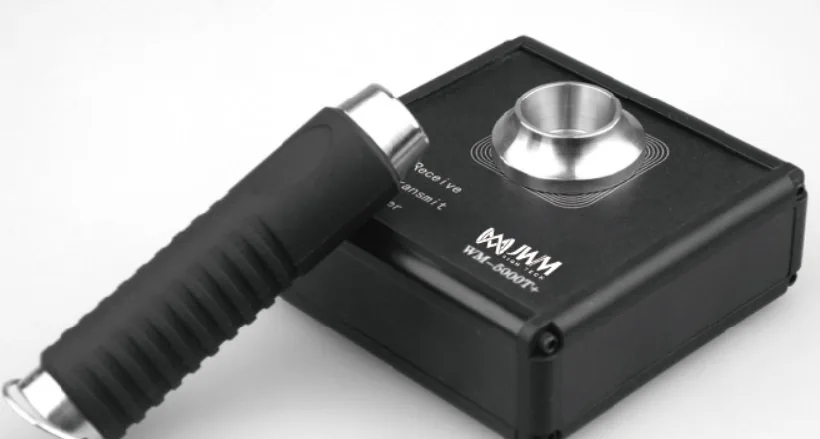
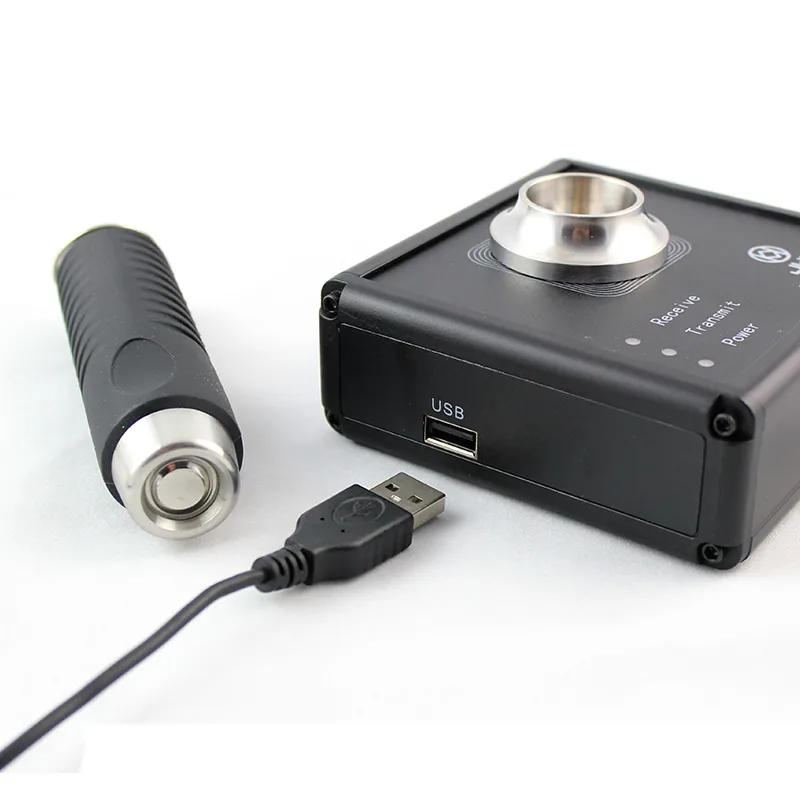
The downloader is where most "the reader is broken" complaints actually start. Its pins and the USB socket take the mechanical abuse that the reader itself never sees: a cable pulled sideways, a cradle dropped on a desk, a connector pushed in at an angle. Keep the cradle dry and free of dust, insert the reader squarely, and unplug by the plug, not by the cable. If a download fails on one cradle but works on another, you have found the fault without touching the reader.
Battery: what to watch, what not to do
- Watch runtime, not voltage: if a reader that used to last weeks now needs charging every few days, the cell is going.
- Cold weather shortens runtime. A reader that dies outdoors in winter may be fine indoors - test before condemning it.
- Do not store a reader flat for months; top it up before it goes into the drawer.
- Do not open the housing to reach the cell. The body is sealed for IP67 and opening it ends that protection.
- If runtime has genuinely collapsed, ask us about service rather than swapping in a third-party cell.
Storage between seasons
Seasonal sites - resorts, stadiums, construction projects that pause - are where readers quietly die. Store the unit dry, at room temperature, with some charge in it, and with the checkpoint tags left mounted rather than boxed in a damp store. Write the storage date on the box. A reader that has sat for eight months should get a test read and a download before the season starts, not on the first night of it.
Fault-finding: symptom, cause, action
| Symptom | Most likely cause | What to do |
|---|---|---|
| Missed reads at some checkpoints only | Tag mounted on steel, tag damaged, or tag too far under a surface | Test with a known-good tag at the same spot; fit the anti-magnet checkpoint or a spacer |
| Missed reads everywhere | Dirty or worn read face, or a flat cell | Clean the face, charge fully, test again |
| Reads fine, nothing in the software | Downloader pins, cable or USB port | Try another cradle and another cable before blaming the reader |
| Time stamps wrong by minutes | Reader clock has drifted | Re-set the clock from the software during the weekly download |
| Records stop at a certain date | Memory full - 60,000 records reached | Download, then confirm the counter resets in the software |
| Random restarts or dead unit after a drop | Internal damage; the seal may also be compromised | Stop using it and send it in - do not keep reading with it |
When to stop fixing and send it in
- The unit has been dropped and now restarts on its own.
- Water or condensation is visible inside the housing, or the seal looks deformed.
- Runtime collapses even after a full charge.
- Reads fail on every tag with a clean tip and a full cell.
Frequently asked questions
Can I wash the reader under a tap? A quick rinse of a sealed body is not the problem; pressure and immersion are. Rinse briefly, dry fully, and never put it in a dishwasher or a pressure washer.
How often should the reader be downloaded? Weekly is the habit worth building, even though 60,000 records of memory allows months. Weekly downloads are also the easiest way to notice a failing cell or a drifting clock.
Do the checkpoint tags need maintenance? Very little: check that they are still firmly fixed, that the face is not covered by paint or a new floor coating, and that nobody has bolted a steel plate over them.