How to Export and Audit Guard Tour Data: From Reader to Audit-Ready Report
A guard tour reader only proves anything once its scans become an audit-ready record. How patrol data is stored in the reader, exported through a Data Downloader or USB cable, and turned into a tamper-resistant audit report by the management software.
An electronic guard tour system is only as good as the record it leaves behind. The reader can be rugged and the checkpoints tamper-proof, but none of that matters if the scans never reach a form that a manager, insurer or auditor can read and trust. This guide walks through the device-side chain: how a guard tour reader stores each scan, how the data is physically exported, and how the management software turns raw scans into an audit-ready report.
At a glance: reader type vs export method
| iButton reader (WM-5000E / WM-5000ES) | RFID reader (WM-5000V+ / WM-5000V5) | |
|---|---|---|
| How the scan is captured | Touch the checkpoint button (contact) | Tap the RFID tag (no contact) |
| How data leaves the reader | Data Downloader (communication cradle) | USB cable (magnetic POGO on V5) |
| What connects to the PC | The cradle, which holds the reader | The reader itself, via USB |
| Best fit | Explosion-proof sites, fixed checkpoints | Fast contactless rounds |
How a guard tour reader stores data
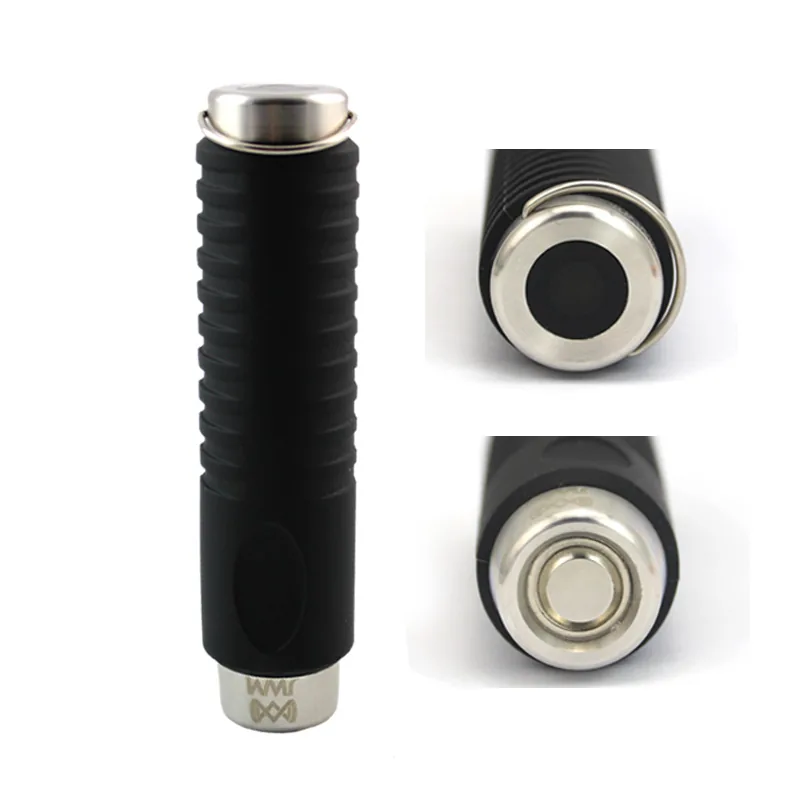
Every JWM guard tour reader logs each touch as a record made of three things: which checkpoint was read (the unique ID of that checkpoint), which guard Key was used, and the exact time. Contact (iButton) readers such as the WM-5000E and WM-5000ES read a globally unique, factory-set UID from the checkpoint button — a code that cannot be rewritten, so the location itself is verifiable. RFID readers such as the WM-5000V+ and WM-5000V5 read the tag the same way but without physical contact.
Storage is built for the long haul. Models in the WM-5000 range keep up to 60,000 records in low-power internal memory, and the data stays readable for more than 20 years without the device being connected to a PC. That buffer means a reader can run for weeks between downloads even on a busy site, and no scan is lost if a download is missed one shift.
Two ways to get the data out
Offline export is deliberately simple and needs no network. There are two physical methods, chosen by reader type:
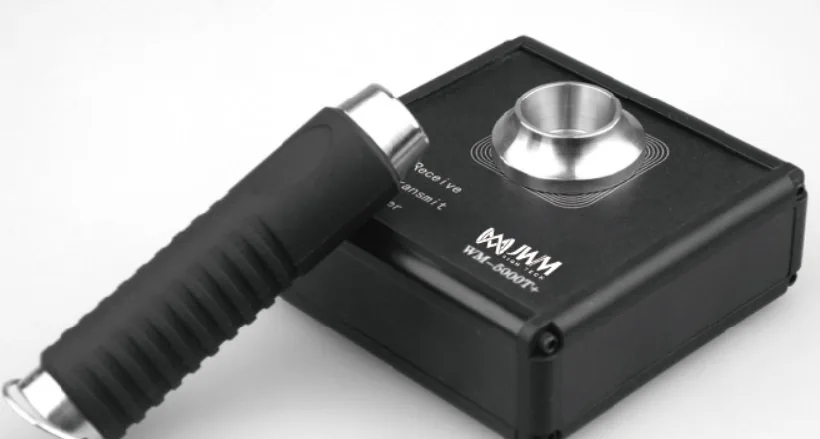
- Data Downloader (communication cradle): iButton contact readers such as the WM-5000E sit in a cradle that connects to the PC by USB. Drop the reader in, and the Guard tour management System pulls every record across. The cradle Receive / Transmit / Power indicators confirm the transfer.
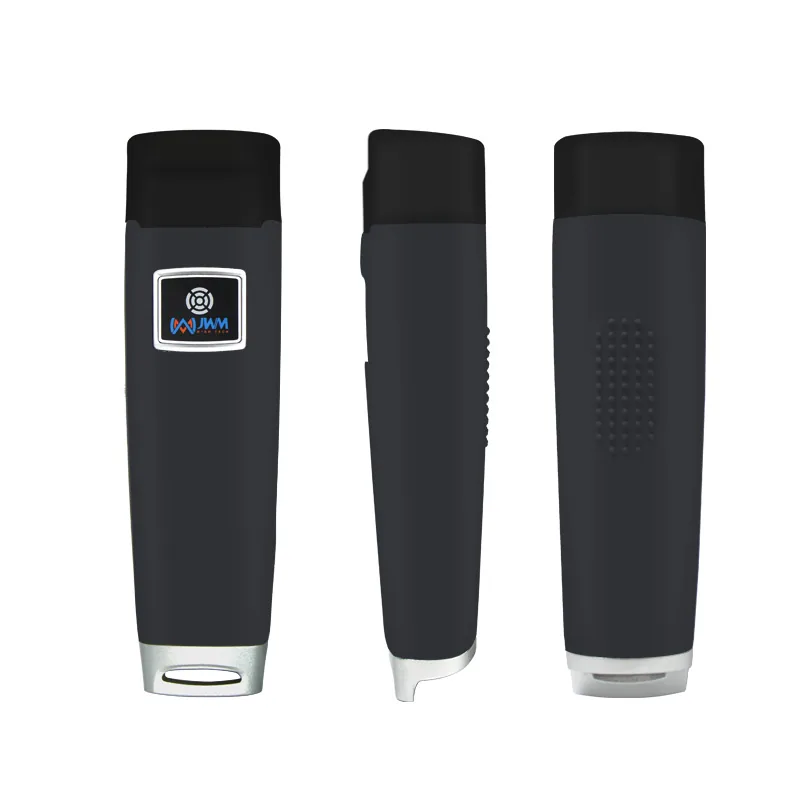
- USB transmit cable: RFID readers such as the WM-5000V+ and WM-5000V5 connect directly to the PC with a USB cable (the WM-5000V5 uses a waterproof magnetic POGO USB connector). The software reads the reader the same way — no cradle required.
What the management software produces
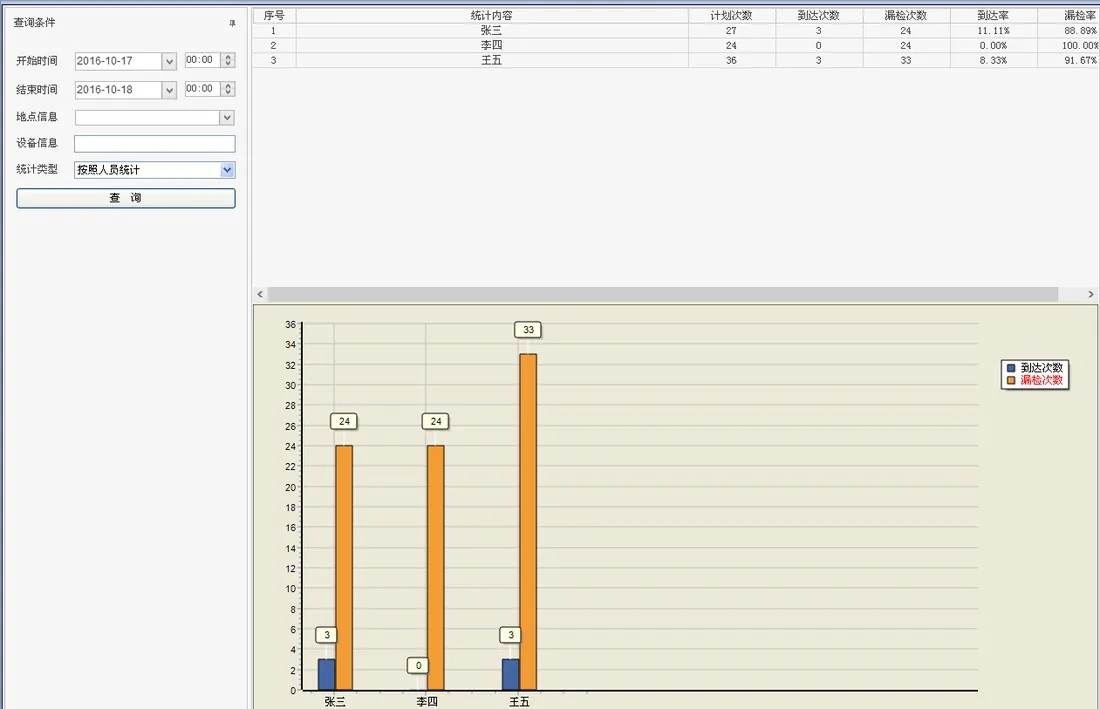
Once the data is imported, the Guard tour management System does the real work of turning timestamps into evidence. It builds per-route and per-guard reports, flags missed checkpoints, and shows patrol coverage over a chosen period. For a site that must answer: who was where, when, and what did they report, the software is where the raw scan list becomes a readable account.
Why the audit trail resists tampering
An audit is only worth something if the record cannot be quietly rewritten afterwards. Three things keep a JWM patrol record honest:
- Unchangeable location: iButton checkpoint buttons carry a factory-set UID that no one can alter, so a record tied to that UID proves a guard was physically at that exact point.
- Closed loop: scans move reader to downloader or USB to software on one PC. There is no public cloud account holding your patrol data, so the record stays under your control.
- Long retention: with 20-plus years of readable storage, an old report can be produced years later if an insurer or regulator asks.
Step-by-step: export and audit a patrol round
- At end of shift, place the reader in the Data Downloader (iButton) or plug in the USB cable (RFID).
- Open the Guard tour management System and import; the indicators confirm each record arrived.
- Run the report for the route and date range you need.
- Review exceptions — missed checkpoints, out-of-order reads — and attach event notes where the guard recorded an issue.
- Export or print the report as the audit record; archive it with the shift log.
Frequently asked questions
- How long can a guard tour reader hold data before downloading? WM-5000 series readers store up to 60,000 records and keep them readable for over 20 years, so routine downloads are a scheduling choice, not a risk.
- Do I need the internet or a SIM card to export data? No. Offline export uses a Data Downloader or USB cable and a PC — no network required. (Online readers that upload live are a separate choice.)
- Can a checkpoint button be copied or faked? iButton checkpoints use a globally unique, read-only UID that cannot be rewritten, which is why they are preferred where proof of presence matters.
- Where is the patrol data stored? On the reader until download, then on your own PC in the management software — no third-party cloud holds it.